
Kimberly Akimbo Custom Content
Kimberly Akimbo
Creative Direction for Customization Video
Act 2 Scene 9, during Great Adventure
The scenery for Kimberly and Seth’s road trip includes a video montage of locations they visit in the final scene of the show, and can include the option of embedding custom video content in two places–a driving video mid-montage, and the end of the video with Kimberly in front of Cinderella’s castle.
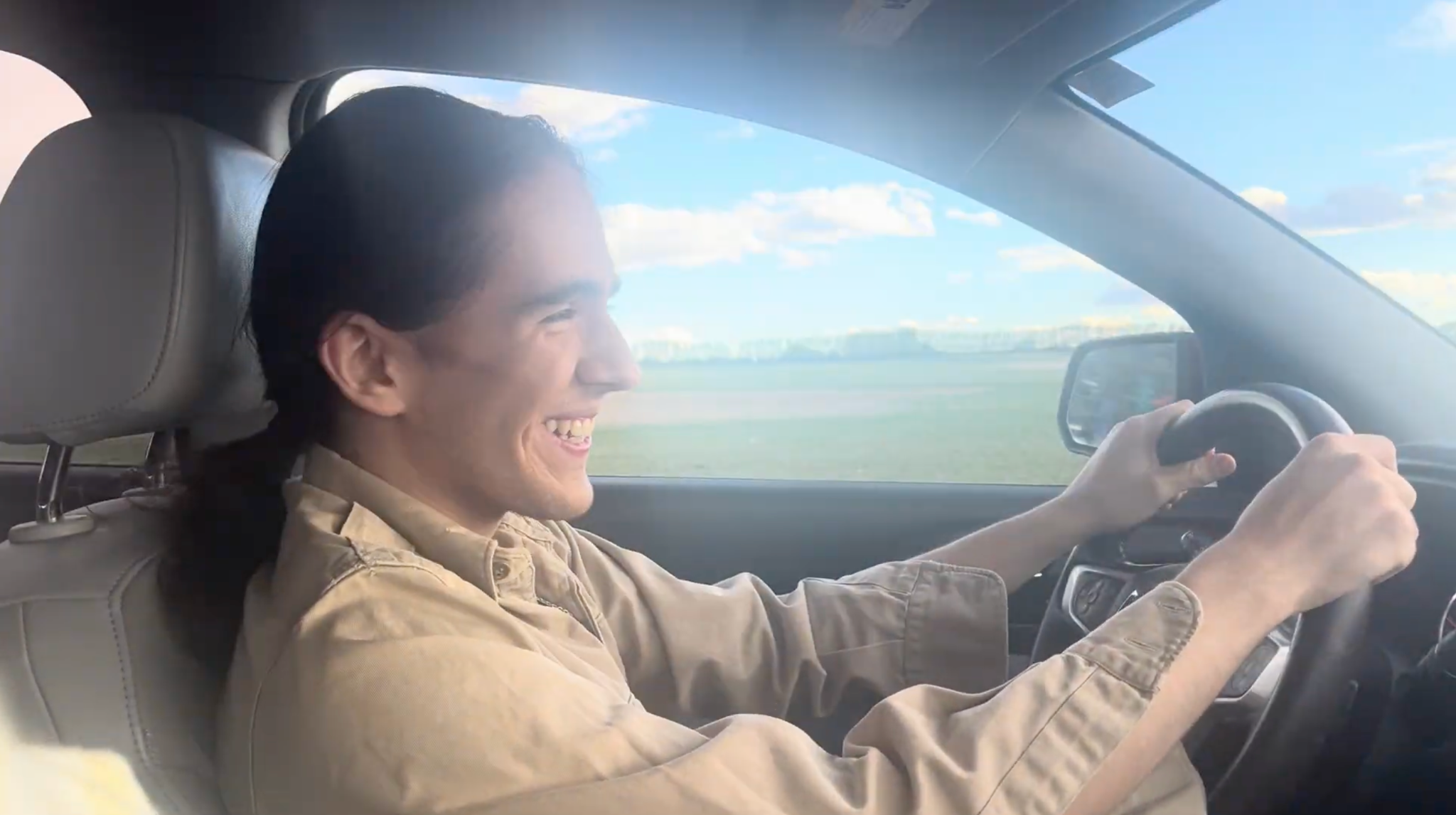
Video 1: Footage of your casting of Seth driving, shot from the passenger’s seat. Video 1 should be 30 seconds in length, though we will use 5-10 seconds that best fits the timing.
Example:
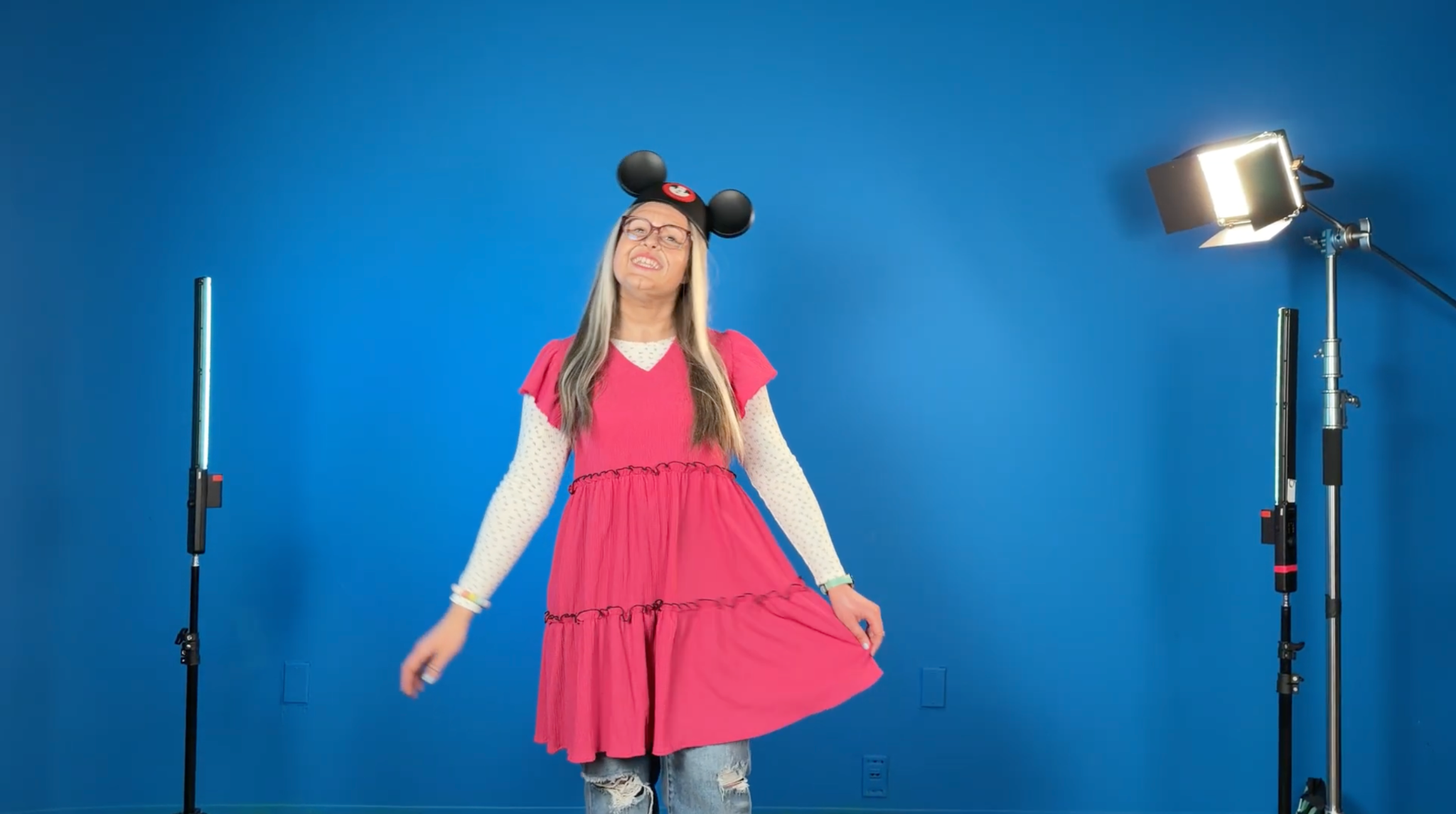
Video 2: Footage of Kimberly framed in center, utilizing the following direction from the script: “The last image on the video is of Kimberly in Mickey Mouse ears in front of Cinderella’s castle. The camera moves in on her face, which is exactly as we see her onstage— beaming, happy, and full of life.”
The effect of Kimberly being at the Castle will be created utilizing a green or blue screen, thus footage will need to be shot on an evenly lit blue or green backdrop. No zooming or camera movement is necessary, and your Kimberly footage will then be superimposed onto the background.
Video 2 should be 60 seconds in length, ending on Kimberly smiling looking either at the camera, or right off-camera.
Example:
Green/Blue Screen Tips
These videos give insightful and helpful tips for shooting footage of a green or blue screen:
https://ca.pbslearningmedia.org/resource/tips_how_to3/green-screen-media-arts-toolkit/
https://www.youtube.com/watch?v=nXwJKLL4HOU
Other tips and recommendations
Videos should be shot horizontally, with the framing of the subject for Video 2 (if standing) from mid-thigh and leaving around 1-foot of space above their head. It is recommended that the subject stay in a fixed position, with as little large movements as possible. Any gestures or movements made out of frame may cause awkward cropping or looping issues in the final video.
- A smartphone video will work well, but other video cameras can be used. The quality of Video 1 can feel spontaneously shot so any small amount of movement or shaking is fine and can enhance the effect, however the camera for Video 2 should utilize a tripod or other stable platform to avoid movement.
- It is best to avoid supplying a video with any editing, or cuts. A single, continuous video is ideal.
- It is highly recommended you review the script and provide a video that matches the stage direction for the performance.